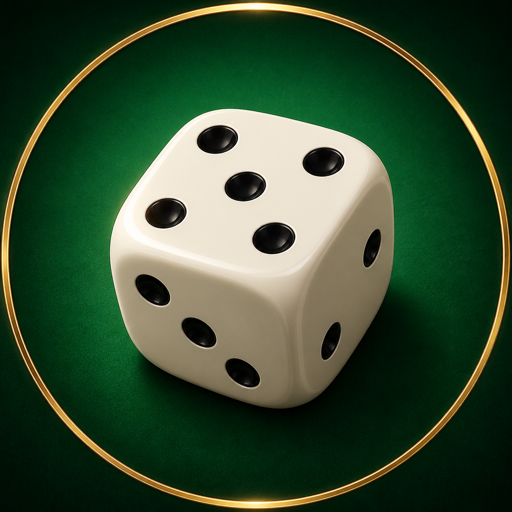
HandyDice
Coming soon to the App Store
Shake it, roll it, read the total. A tabletop die that lives in your hand.
Coming soon to the App Store
Shake it, roll it, read the total. A tabletop die that lives in your hand.
A board game needs a die and the box has none. Open the app and roll. That is the whole idea. Nothing here picks a number and prints it: the dice are thrown by a 3D physics simulation, and the total comes from whichever faces happen to end up pointing at the ceiling.
A 3D physics simulation, so they bounce, collide and tumble to a stop. The pips are carved into the faces, and the shading shifts as the dice turn.
Hold the button on screen, or shake the phone itself. Both work the same way, and the longer you keep going, the harder the dice fly.
A slider changes how many are on the table. The total appears on its own once they settle.
The rolling sound fades with the motion rather than cutting off. Every impact comes back as a tap in your hand. Sound and haptics each switch off on their own.
Send bug reports and requests by email.